Streaming in 4K: Speed, devices and tips
The way we watch films and TV shows has dramatically changed. These days, most of us are all about streaming instead of using DVDs or tuning in to live TV.
To truly enjoy crisp, jaw-dropping 4K visuals, you need fast, reliable broadband. Streaming in 4K is like the VIP of video quality – it’s super clear, incredibly detailed, and makes you feel like you’re right in the middle of the action. However, it does consume a lot more data compared to lower-quality streams.
What speed should you have for 4K streaming?
If your connection is slow, it could be putting a damper on your binge-watching sessions. For smooth 4K streaming, a minimum broadband speed of around 400mbps is recommended. This speed lets you enjoy ultra-high-definition content without buffering, even if other people in your household are browsing the web or gaming at the same time.
Why might you not be seeing 4K visuals?
A few things can disrupt your video quality, including how fast your broadband is, how many devices are connected, and even the gadget you’re watching on.
Most streaming platforms automatically tweak the video quality based on your connection speed to keep things running smoothly. If your video keeps freezing or buffering after selecting 4K, your broadband might not be fast enough or there could be a couple other factors affecting your stream.
Quick tip: Try unplugging or turning off devices you’re not using that are still online – it could free up some of your internet power.
Is your TV or device holding you back?
If you’ve upgraded your broadband to a faster speed and things are still fuzzy, your device might be the culprit. Not all TVs or streaming gadgets support 4K, especially older models. If your TV hasn’t seen an upgrade since before 2010, it might be time to treat yourself to a shiny new one that can handle the 4K visuals.
How to check if your broadband speed is fast enough for 4K streaming
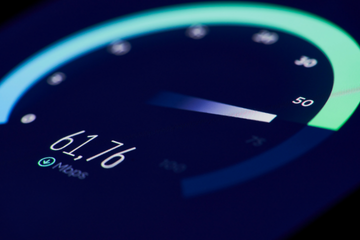
If you’re having trouble watching 4K content, try running an online speed test. These tests measure your download and upload speeds, as well as ping and jitter – key factors that affect streaming quality. It’s a simple way to see if your connection is up to the task.